Turning photos into drawings is a fun way to add an artistic touch to your images. With the help of apps to turn images into drawings, you can easily turn your photos into works of art.
These apps offer a variety of styles and effects for you to enjoy. Plus, they’re perfect for anyone looking to add a creative touch to their images. Whether you’re sharing them on social media or just keeping them as a keepsake, the possibilities are endless.
Turning photos into drawings has never been easier or more accessible. Read on to learn how these apps work and what the best options are for turning your photos into amazing drawings.
Best apps to turn images into drawings
There are many apps that can turn your images into cartoons. Each one has its own unique features, and choosing the best one depends on your needs and preferences.
Before we proceed, remember that when choosing an app, it is important to consider the compatibility with your device, the ease of use and the variety of artistic styles offered. Some apps are more intuitive, while others offer more customization options.
ToonMe
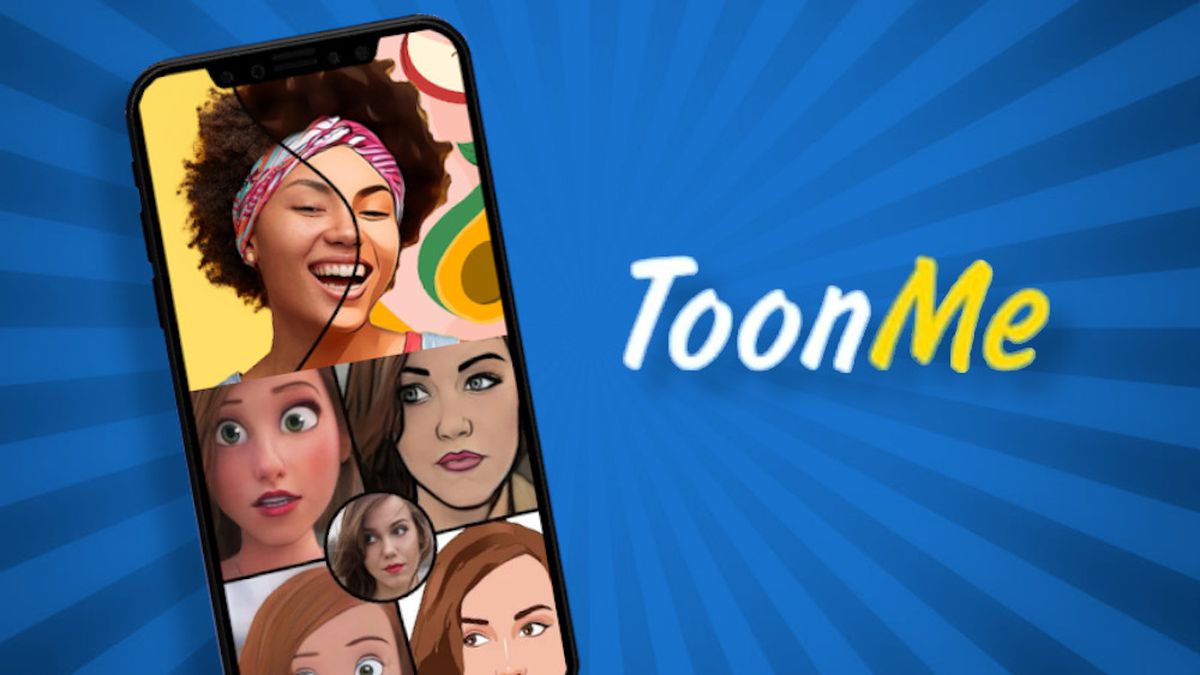
ToonMe is an app that turns your photos into cartoon style caricatures. With it, you can create fun and unique images. The process is simple: just choose a photo and apply the desired effect.
It has a variety of caricature styles for you to choose from, allowing you to transform your photos into cartoon-like drawings.
Prism
Using the artificial intelligence To turn your photos into works of art, Prisma lets you apply filters that mimic famous paintings like Van Gogh and Picasso, as well as transform your photos into oil paintings and other forms of art.
The process is simple: choose a photo, select a filter and watch the magic happen. If you like art and want to transform your photos into something special, this app is an excellent option.
PicsArt
PicsArt is a versatile app that lets you transform your photos into different drawing styles. With it, you can apply drawing filters and create pencil sketches.
Using it is very simple, just choose a photo, select a drawing filter and adjust as needed. With it, you can transform your photos into different artistic styles.
Essential Features of Drawing Apps
Choosing a good app to turn photos into drawings involves considering some essential features. Some of them are:
- Filter diversity: A good app should offer a wide variety of filters to transform your photos into different drawing styles.
- High image quality: The resulting image quality must be high so that the drawings are sharp and detailed.
- Ease of use: The application must be easy to use, with an intuitive interface that is simple to navigate.
These features are important to ensure that you have a good experience when turning your photos into drawings. Choosing an app with these qualities can make all the difference in the final results.
How to choose the right app for you
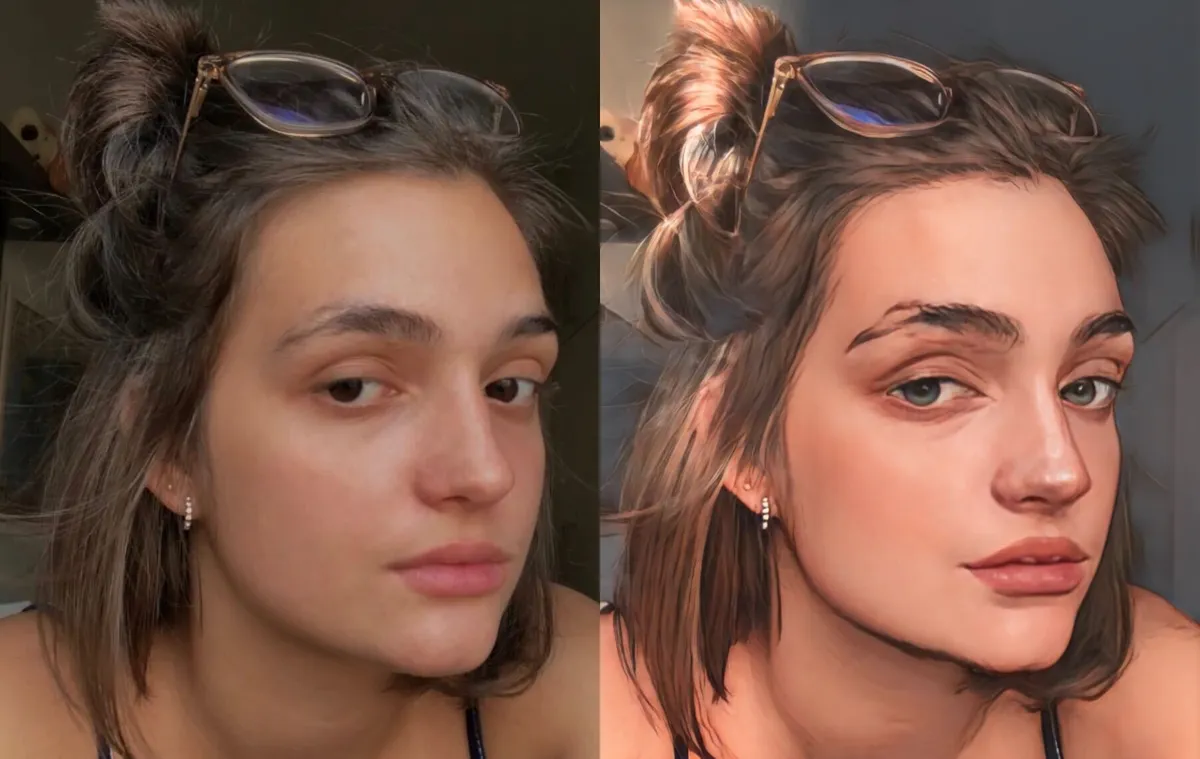
Choosing the right app to turn your photos into drawings can be challenging. Here are some criteria that can help you when making your choice:
| Criterion | ToonMe | Prism | PicsArt |
| Drawing type | Cartoon | Painting | Outline |
| Compatibility | Android | Android | Android |
| Cost | Free | Paid | Free |
Consider the type of drawing you want to create. If you’re into cartoons, ToonMe might be the best option. For artistic paintings, Prisma is ideal. If you prefer sketches, PicsArt is a great choice.
Also check the compatibility with your device and the cost of the app. Some apps are free, while others may require payment to access all features.
Tips for getting the best results when turning photos into drawings
To get the best results when turning a photo into a drawing, just follow these practical tips:
- Choose a photo with good quality: photos Sharp, well-lit images produce better results.
- Adjust filters as needed: Experiment with different settings to find the effect you want.
- Make final edits: Use the app's editing tools to enhance your final drawing.
These tips can help you create drawings from your photos. Remember to experiment and adjust as needed to get the best results.
Conclusion
Turning photos into drawings is a creative way to add a special touch to your images. With the right apps, you can create unique and expressive drawings.
Consider trying out different apps to find the one that best suits your artistic style. The apps mentioned in this article offer a variety of options for transforming your photos, whether you’re creating cartoons, paintings, or sketches.
We hope all of these tips have been helpful and remember: creativity has no limits when you have the right tools at your disposal!