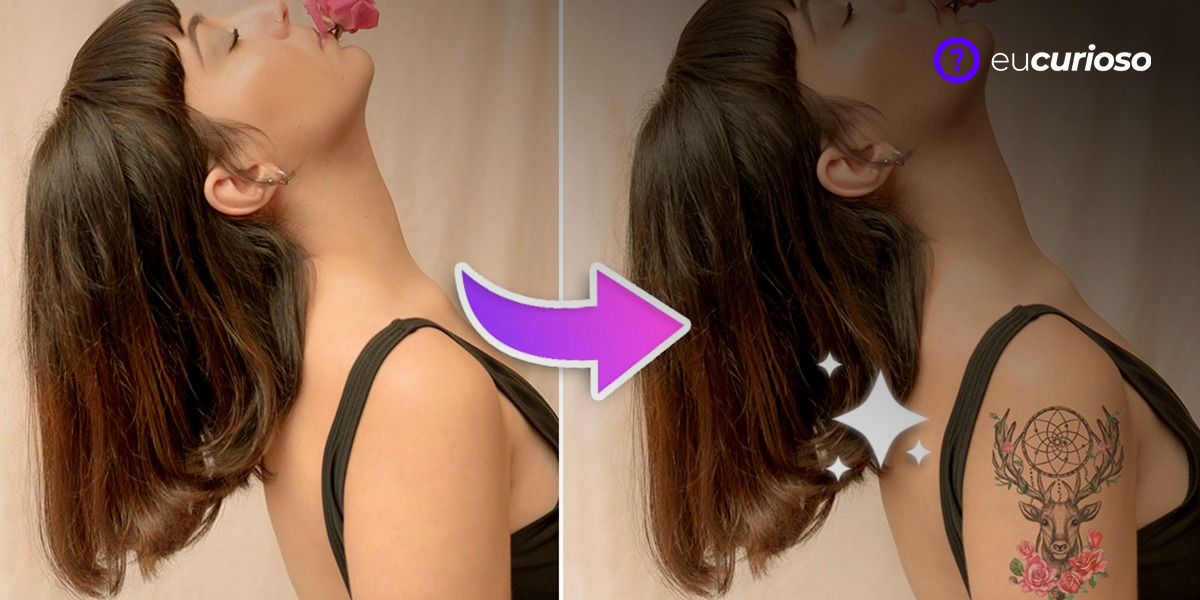
Are you thinking about making a tattoo, and would like to see the result before drawing it on your skin? With the help of tattoo simulation apps, you can visualize how a design will look on your skin, making the decision much easier.
These apps offer a variety of designs and tools to customize the art to your body, making it a convenient way to avoid regrets and choose the perfect tattoo.
Read on to find out which app is best for your needs. Let’s take a look at the options available together and see which one best fits your needs!
Best apps to simulate tattoos
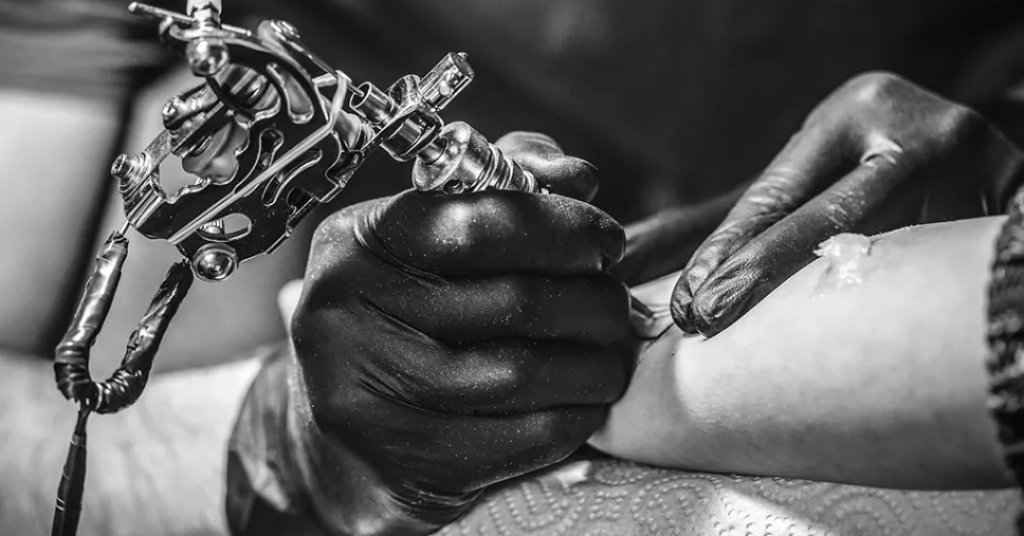
There are several applications that can help you simulate tattoos efficiently, each with its own unique characteristics and better suited to different needs.
InkHunter
O InkHunter uses augmented reality to adjust designs on the body and, to use it, it is very simple: you draw a small mark on the skin, point the camera of your cell phone and choose the desired design. The application then projects the tattoo on your skin, allowing you to see how it will look.
Its augmented reality offers a very realistic visualization, where you can move the camera and see the tattoo from different angles, getting a precise idea of how the design will look on your body.
Additionally, InkHunter is easy to use and offers a great variety of designs. You can choose from the available designs or even upload your own designs.
Tattoo my Photo 2.0
O Tattoo my Photo 2.0 allows you to use your own photos to simulate tattoos. Its use is also straightforward: just choose a photo from the gallery and add the desired design; the app's editing tool allows you to adjust the size, position and opacity of the tattoo.
With it, you can experience different designs and see how they look on your skin. The app offers a variety of editing options to customize the simulation, helping you find the perfect design.
3D Tattoo Design App
O 3D Tattoo Design App offers 3D drawings that provide a more realistic view of the tattoo. With it, you can see how the design will look from different angles and positions on your body.
Tattoo designs are detailed and realistic, helping you get a clear idea of how the tattoo will look in reality. The app is easy to use and offers a wide variety of options.
With the 3D Tattoo Design App, you can try out different designs and see how they look on your body.
Tattoo You
O Tattoo You allows you to apply designs to existing photos; just choose a photo from the gallery and add the desired tattoo. The quality of the images offered by the application is great, providing a realistic simulation.
It allows you to adjust the size and position of the tattoo in the photo, helping you find the best place for the design on your body.
With Tattoo You, you can try out different designs and see how they look on your skin. The app is easy to use and offers a wide variety of options.
AR Tattoo
O AR Tattoo uses features of augmented reality to better visualize the tattoo on the body and, with it, you can see the design in real time, adjusting the position and size as necessary.
The app's augmented reality offers a very realistic visualization. You can move the camera and view the tattoo from different angles, getting an accurate idea of how the design will look on your body.
The app is easy to use and offers a great variety of designs, where you can choose from available designs or even upload your own designs.
How to choose the ideal app to simulate tattoos
To choose the ideal one, consider the variety of designs available. A good app should offer plenty of options for you to try out, helping you find the design that best suits your style.
Another important factor is the ease of use. An intuitive app makes the simulation process more enjoyable, saving you from wasting time trying to understand how it works.
Furthermore, the simulation accuracy is another point to consider. A good tattoo simulator should show the design realistically on your body, giving you a clear idea of how the tattoo will look.
Advantages of simulating your tattoo before getting it
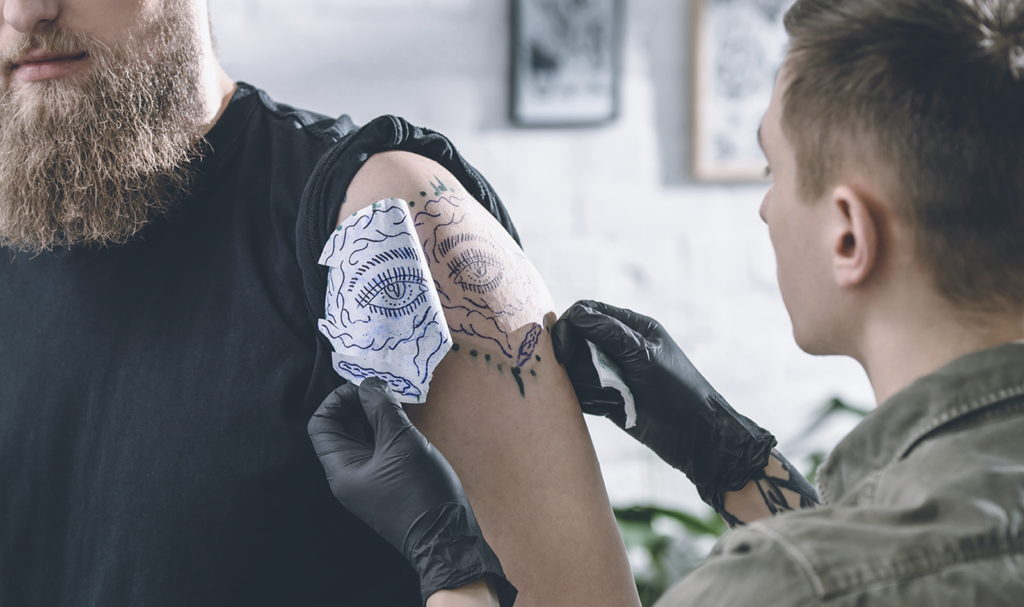
Simulating a tattoo before getting it helps reduce the risk of regret; this is because you can try out different designs and see how they look on your skin, making it easier to choose the perfect design.
Tattoo apps allow explore different positions for the design, seeing how the tattoo will look on different parts of the body, in order to find the best place for the art.
Using simulation apps also allows you to experiment different styles tattoos and see how each style suits you, making an informed decision.
Tips for getting the most out of tattoo simulator apps
To get the best simulations, it is important prepare the body area for the photo; make sure the skin is clean and well lit, helping to obtain a clearer and more realistic image.
When taking the photo, choose a angle that shows the area well where you want the tattoo, making it easier to simulate and helping you see how the design will look. Here's a tip: taking photos from different angles will give you a more complete view.
Adjust the application settings to obtain a more realistic result. Experiment with different size, position and opacity options, helping you find the best possible simulation and making it easier to choose the design.
Conclusion
Tattoo simulation apps are useful tools for those who are unsure before getting one. They help view different designs and positions, reducing the risk of regret.
They are easy to use and offer a wide variety of options, so be sure to try these tools out before making your final decision.
The decision to get a tattoo is an important one and should be carefully considered. With the help of simulation apps, you can make this decision in a more informed and confident way!