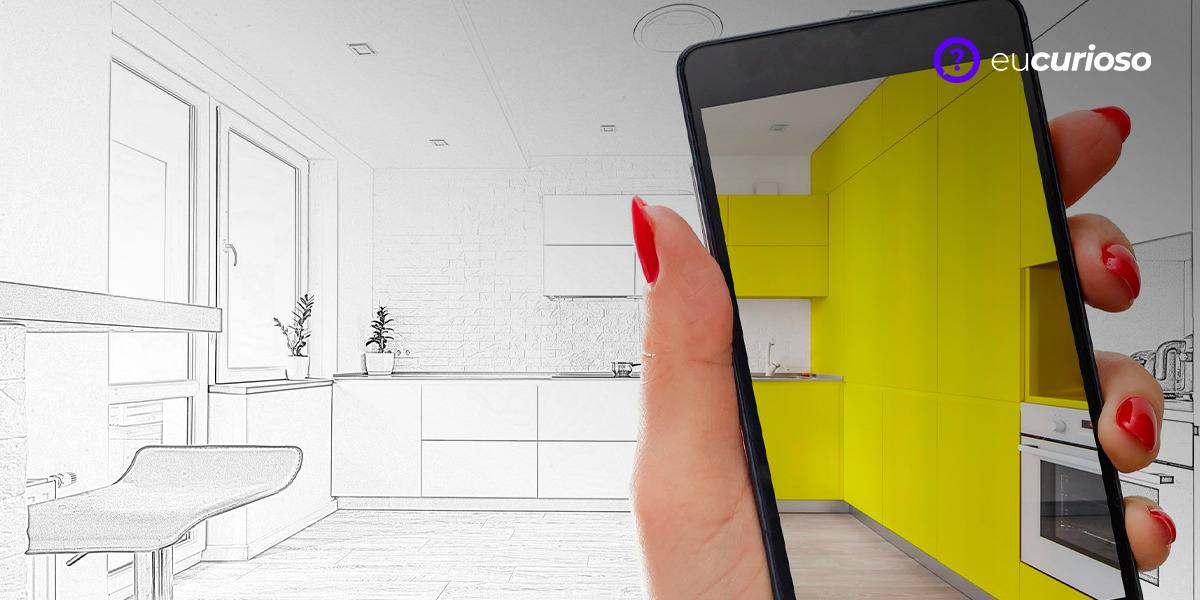
Have you ever thought about or needed to create architectural projects? Nowadays, with applications for creating house plans, this is possible for anyone, even without being a professional in the area.
These 3D design apps make planning and drawing architectural projects a practical and interactive task, as they allow you to visualize and modify the design of a house plan in a simple way.
With a well-developed app, you can create detailed and accurate floor plans. They are also perfect for anyone planning to renovate or build a new home, offering features that simplify the design and planning process.
The relevance of applications in contemporary architecture
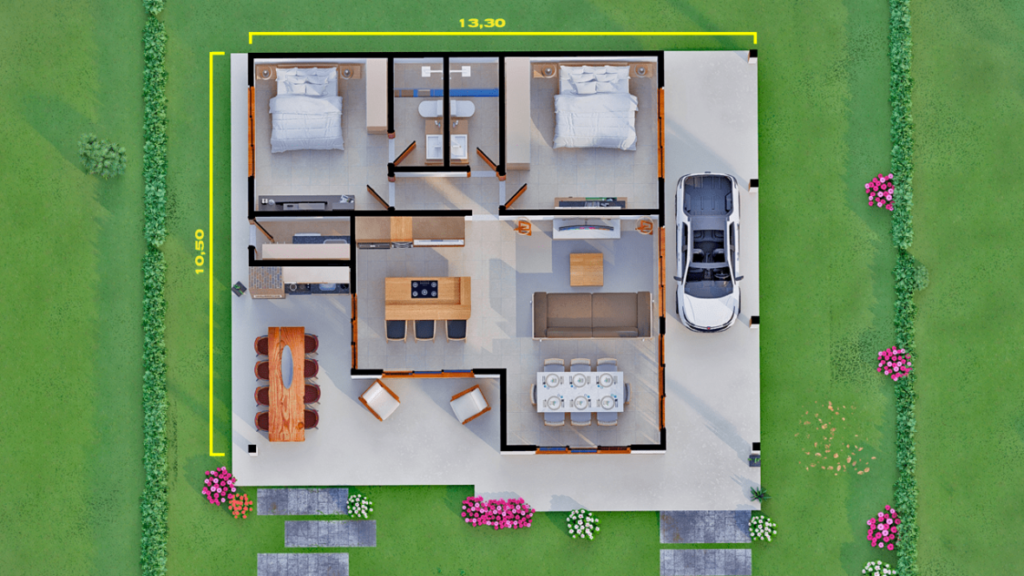
Applications have transformed contemporary architecture, as it is possible to create projects with greater productivity, facilitating the work of professionals and allowing amateurs to develop their ideas in a practical way.
Using a 3D design application allows you to view your project from different perspectives, which helps identify potential problems and make adjustments before construction begins. The floor plan can be created and changed quickly, saving time and resources.
They are also excellent for creating detailed projects, offering tools that help with measuring, drawing and adjusting every aspect of the plan.
Benefits of using apps to create house plans
Firstly, there is a saving of time and money, as with an application to create house plans it is possible to make quick changes and visualize the space in 3D, avoiding errors and rework.
Another advantage is that they are easy to use, as many apps have an intuitive interface that allows anyone to create detailed projects. This is great for those who have no design experience but want to plan a renovation or construction project.
They also allow you to share your projects with others, making it easier to collaborate and get feedback.
The best apps for creating floor plans
Now, discover some of the best apps for creating floor plans.
5D Planner
Planner 5D is a great app for creating house plans, offering a variety of features, including 3D design and customization options. Available for Android and iOS, it lets you work on your projects from anywhere.
With it, you can create detailed plans and view the project in 3D, making it easier to identify problems and necessary adjustments. The application has an intuitive and easy-to-use interface, ideal for beginners and professionals.
It also allows you to share your projects with others, which is great for getting feedback and making improvements. With so many features, Planner 5D really is an excellent option.
Floor Plan Creator
Floor Plan Creator is a great tool for creating detailed floor plans, offering features like 3D design and accurate measurement. Available on multiple platforms, including Android and iOS, it lets you draw house plans with ease.
With it, it is possible to adjust every detail of the project, ensuring accuracy and efficiency; in addition, it is easy to use, ideal for beginners.
Floor Plan Creator also offers the option to view your project in 3D, helping you identify potential issues and make adjustments before construction begins. With so many features, this app is an excellent choice for creating floor plans.
Magicplan
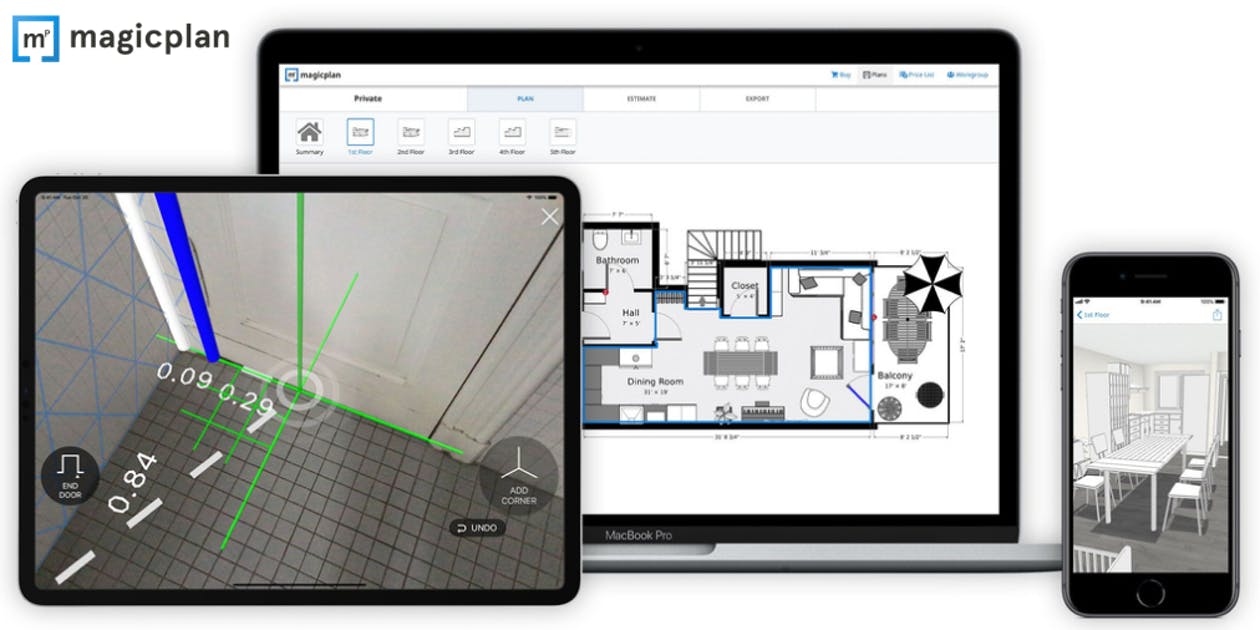
Magicplan is an incredible app for creating house plans, including scanning spaces and creating detailed 3D plans. Available for Android and iOS, it makes it easy to access your projects from anywhere.
You can create accurate and efficient floor plans, offering features like automatic measurement and customization options, making the design process faster and more convenient.
Magicplan also allows you to view your project in 3D, helping you identify problems and make necessary adjustments. With so many features, it is a great choice for anyone looking to create house plans.
How to Select the Best House Planner App
Choosing the right application to create floor plans home can be decisive. First, check if it has an intuitive and easy-to-use interface, as this will make it easier to learn and use on a daily basis – especially for those who have no experience.
Another important aspect is compatibility with different devices. Make sure it works correctly on Android and iOS devices, ensuring that you can access and edit your projects from anywhere.
Also, consider the features the app offers. Look for apps that offer 3D design tools, accurate measurements, and customization options, ensuring you have all the features you need to create detailed and efficient floor plans.
Tips for getting the most out of apps
To get the most out of floor plan apps, here are a few suggestions to consider. First, explore all of their features, which will help you understand how each tool works and how it can be useful for your project.
Another tip is to incorporate the app into your work routine. Use it to create initial sketches, make adjustments and visualize the project in 3D, making the design process more productive and organized.
Finally, share your projects with other users, allowing them to receive feedback and make improvements.
Final considerations
Home plan apps are powerful and affordable tools that make the design process easier, save time and money, and allow you to visualize your project in 3D. With so many benefits, they’re definitely worth a try.
Selecting the right one is important, considering ease of use, features offered, and compatibility with different devices. This ensures that you have all the features you need to create detailed and efficient floor plans.
So why not start using a house plan maker app? With these tools, you can turn your ideas into amazing designs!