The Cadastro Único app was created to make it easier for those in need to manage social benefits. With it, you can access and organize your data quickly and easily, without leaving your home, which makes the entire process much more accessible.
It is very important that you keep your information up to date. If the information is incorrect, you may have problems when receiving your social benefits. In this sense, the Single Registry application becomes a very useful tool, helping you to ensure that everything is correct.
Have you ever thought about how the Cadastro Único app can make your life easier? With it, you can check your information, update data and even issue receipts, all directly on your cell phone. Keep reading and discover all the features and advantages that this app offers!
Where and how to download the CadÚnico application?

Downloading the Cadastro Único app is very easy. If you have an Android phone, just open the Play Store, type “Cadastro Único” in the search bar and click “Install”. The app will be ready to use in a short time.
If you use an iPhone, the process is very similar. Go to the Apple Store, search for “Cadastro Único” and tap “Get”. The app will be installed in no time and ready for you to use. Easy, right?
And if you prefer to access it from your computer, there is a web version of the application. Visit the Official website of the Single Registry and log in with your details, so you can manage your information wherever you are, without needing to download the app.
Main features of the application
The Cadastro Único application offers several features that really make users’ lives easier. Some of them are:
- Consultation of personal data: allows you to view your registered information and check if it is correct
- Data update: When there is any change in your information, you can update it directly through the app
- Issuing receipts: you can issue registration receipts whenever you need, quickly and conveniently.
The app is very intuitive. It guides you through each step of the registration process, which makes everything easier. This is great for those who are just starting out and don’t have much experience with technology.
It's worth remembering that new features are under development and promise to make the app even more complete. Soon, you'll be able to perform more tasks directly from your cell phone, without complications. Keep an eye out for updates to take advantage of all the new features!
Step by step guide to using the application of the Single Registry
Using the Cadastro Único app is a practical and quick way to manage your information and access social benefits. Below, we have put together a simple guide to help you carry out the main tasks, ok?
- Access the application and log in to your account;
- If this is your first time accessing the site, click on “Register” and follow the instructions to create an account;
- When you log in, you will see the home screen with several navigation options. Click on “Check Registration” to check your Single Registration information;
- If you need to update any information, click on “Update Registration”. You will be able to modify personal data, address, family composition and other details.
You can also check your benefits by clicking on “My benefits”. In this tab, you can check amounts, payment dates, etc. Remember that to continue receiving your benefits, it is essential to keep your registration information up to date.
Registration status signals
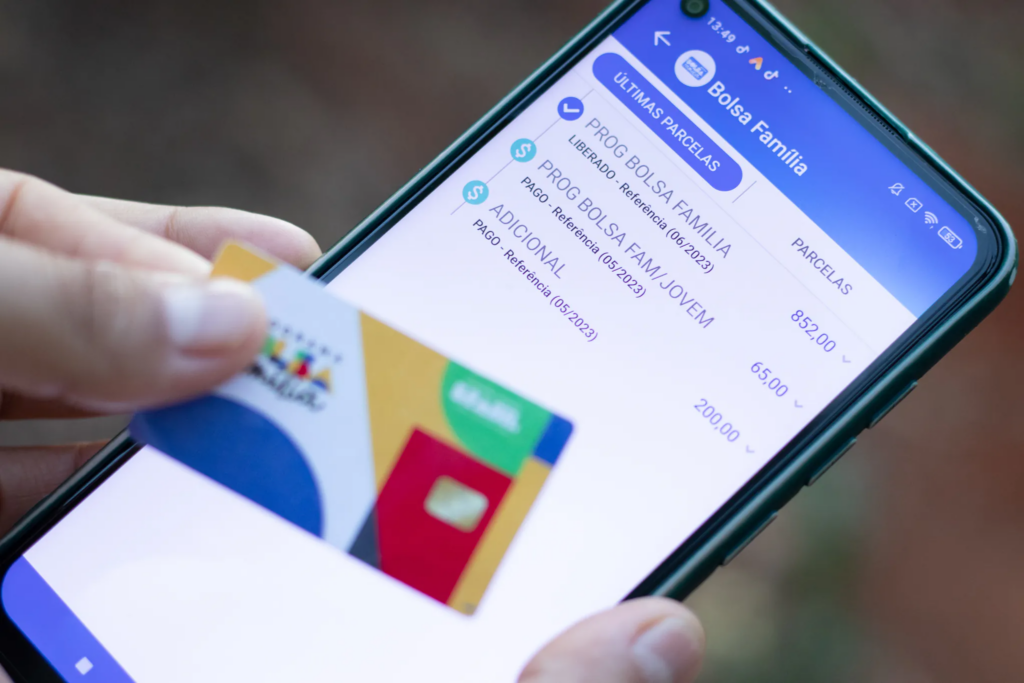
In the Cadastro Único application, you will see some signs that show the status of your registration. They are important for you to understand if everything is ok or if you need to update some information.
The green check mark means that your registration is up to date, indicating that your information is correct. With this, you can rest assured that you don't have to worry about anything.
A yellow signal warns you that something needs to be checked. Perhaps some information is out of date or missing. In this case, it is important that you check your data and make the necessary corrections.
A red flag warns you that there is a serious problem with your registration, which may prevent you from receiving benefits. Therefore, you should log into the application and correct the information as soon as possible to avoid complications.
Common Problems and Solutions
One of the problems that many people face with the Cadastro Único application is when logging in. If you are also having this difficulty, check if you are entering your CPF and password correctly. If you have forgotten your password, you can use the “I forgot my password” option to recover it.
Another situation that may occur is that data may take a while to update. If you update your information and it does not appear correctly, wait a few hours and try again. If the problem persists, contact the application support for help.
Some people also have difficulty issuing the registration receipt. If this happens to you, first check that your internet connection is working and that the app is up to date. Then, restart the app if necessary.
Data privacy and security

Did you know that the Cadastro Único app prioritizes data privacy and security? The app adopts several practices to ensure that your information is handled with the utmost care. For starters, it uses encryption and secure storage, keeping your data protected.
Data collection practices involve collecting your personal information only when necessary and always with your consent. This way, you are aware of everything that is collected and how it will be used, keeping everything clear and secure.
Your security is a constant concern. The application has several layers of protection to prevent unauthorized access. Therefore, you can use the Cadastro Único application with peace of mind, knowing that your information is well protected.
Benefits of keeping your registration up to date
Keeping your registration up to date is very important because, when your information is correct, you ensure that you receive all the social benefits to which you are entitled. In addition, an updated registration makes it easier for the government to manage your benefits.
With accurate data, it is easier to distribute resources fairly and efficiently, which helps ensure that aid reaches those who really need it, hence the importance of keeping your information up to date.
Updating data in the Cadastro Único application is very simple and can be done on your cell phone in a practical and quick way, avoiding unnecessary travel and ensuring that you are always within the criteria to receive social benefits.
Conclusion
The CadÚnico app is an incredible tool to facilitate the efficient management of social benefits, allowing you to consult, update data and issue receipts in a practical and quick way directly from your cell phone or computer.
Keeping your registration up to date is very important because it ensures that you continue to receive the social benefits you need without facing any problems. Accurate data helps both you and the government to distribute resources fairly, ensuring that everyone comes out on top.
With all these advantages, using the Cadastro Único application is a great way to keep everything up to date and guarantee your rights.