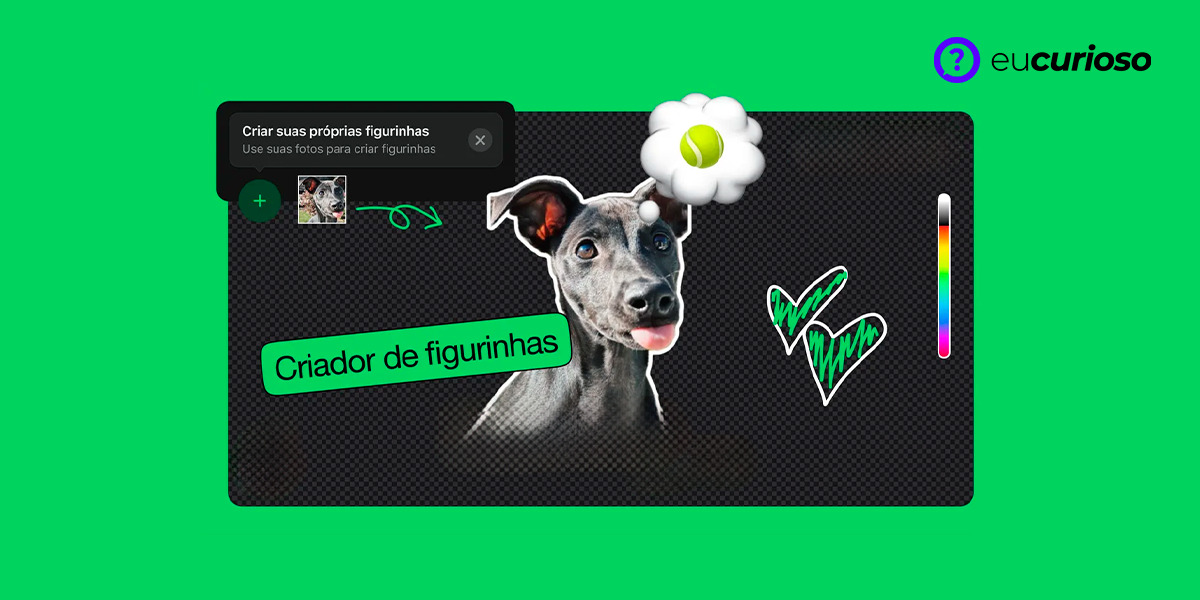
Have you noticed how stickers on WhatsApp have made conversations more fun? Personalizing your messages with unique stickers is already a habit, and with a sticker creation app, you can create and customize yours.
These WhatsApp sticker creator apps are becoming increasingly popular and allow you to turn any image into a personalized sticker.
So, how about checking out the best apps? You'll discover how easy and fun it is to customize your WhatsApp messages!
Best sticker making apps
The following apps are great for turning your photos into fun stickers; each has its own unique features that make creating stickers a unique experience.
Sticker.ly – Sticker Maker
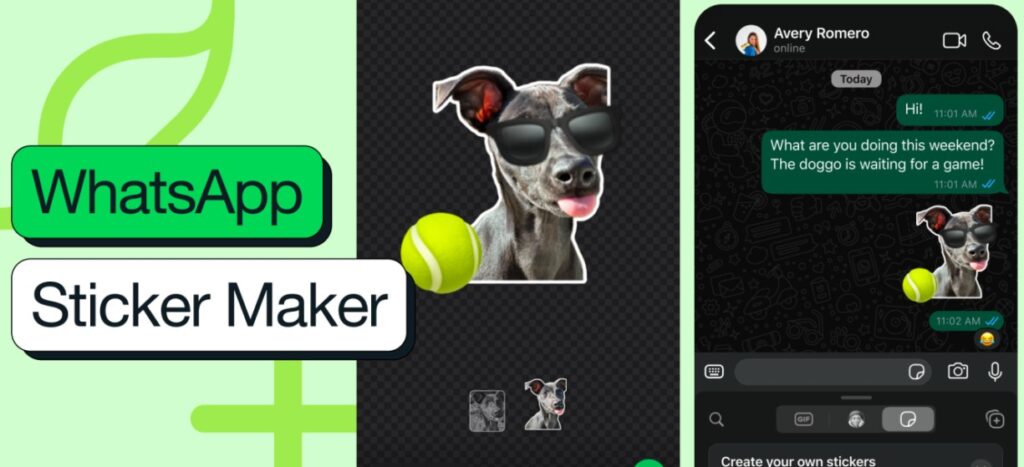
Sticker.ly is a popular sticker-making app that lets you easily transform your photos into personalized stickers. Available for Android and iOS, it's an excellent choice for those who want to create their own stickers.
It's easy to use and offers several editing tools to customize your creations. You can create stickers using the images you have or choose from a vast library of ready-made stickers.
Sticker.ly also lets you share your stickers with friends directly on WhatsApp.
Sticker Maker
Sticker Maker is another great app for creating custom stickers, available for both Android and iOS. It makes it easy to create stickers using your own photos, where you can crop, edit, and add text to them.
Plus, it's intuitive and offers tons of customization options; you can create unique stickers and share them directly on WhatsApp.
With Sticker Maker, you can create sticker packs and organize them however you like, making the app a popular choice for those who want to personalize their WhatsApp messages.
How to create a sticker pack on Sticker.ly
If you're wondering how to create a sticker pack on Sticker.ly, don't worry, it's super simple. Follow these steps:
- Download and open Sticker.ly: Available for Android and iOS;
- Choose your images: Select the photos you want to turn into stickers;
- Edit the images: Use the editing tools to crop and adjust;
- Add text: Personalize your stickers with fun texts;
- Create the package: Organize your stickers in a package;
- Export to WhatsApp: Add the sticker pack to WhatsApp and start using it.
By following these steps, you'll have a personalized sticker pack ready to share.
Sharing your stickers
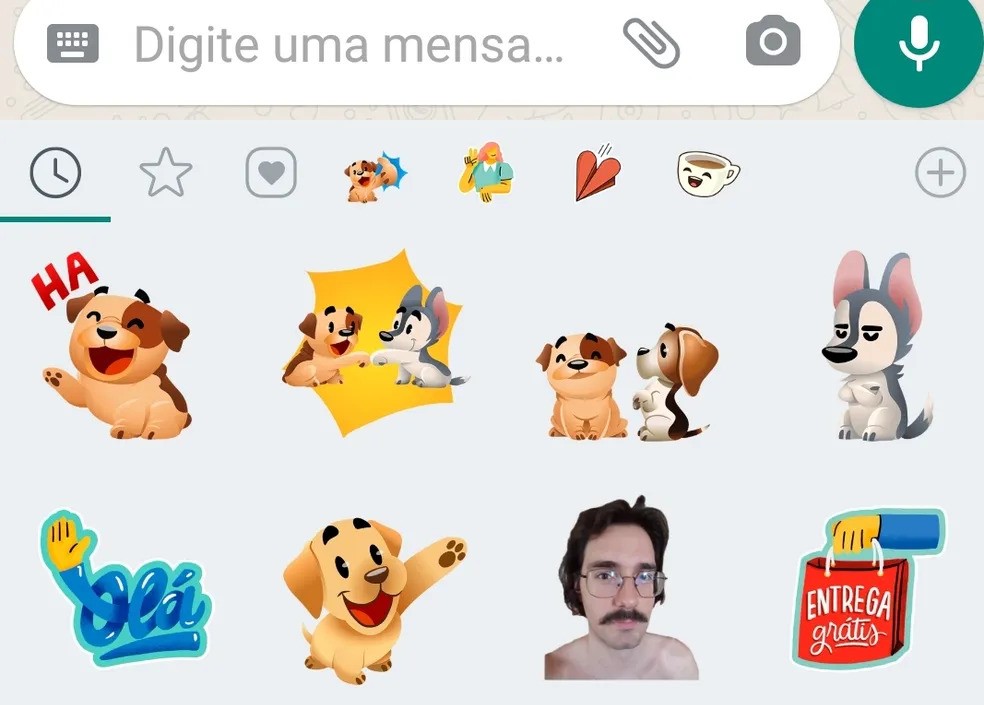
Sharing your stickers on WhatsApp is easy. You can send stickers directly in chats or share entire packs with friends, as many apps allow you to create links to share your creations.
Using links to share sticker packs is a great way to share all your creations at once, so your friends can add your stickers to WhatsApp with just one click.
You can also share stickers in groups and communities, making your conversations more interactive and fun.
Benefits of creating your own stickers
Creating your own stickers has many benefits. You can express your personality in WhatsApp conversations, making communication with friends and family more fun.
Using a sticker maker app, of course, allows you to creatively personalize your messages.
It's also a fun activity; after all, you can explore your creativity and do something different. Try creating your own and see how your WhatsApp conversations become more interesting.
Conclusion
Creating stickers for WhatsApp is a fun way to personalize your conversations, and using apps like Sticker.ly and Sticker Maker, you can turn your photos into unique stickers.
These apps are easy to use and offer several editing tools. So, why not start creating stickers right now? Download an app and have fun customizing your WhatsApp messages!