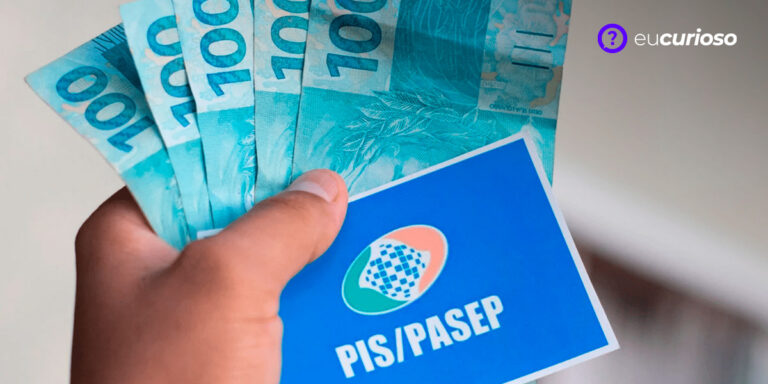
Checking your PIS number using your CPF (Brazilian individual taxpayer registration number) is now much simpler, thanks to technological innovations. This information is crucial for many Brazilian workers seeking to access benefits and verify their labor rights.
PIS is directly linked to benefits such as salary bonuses and FGTS. Performing the query using only your CPF ensures that you are always up to date on the status of your registration in the system.
Knowing how to use your CPF to check your PIS can save you a lot of headaches. Continue reading to learn more about the subject and discover the step-by-step process to make the query quickly and easily.
What are PIS, PASEP and NIT?
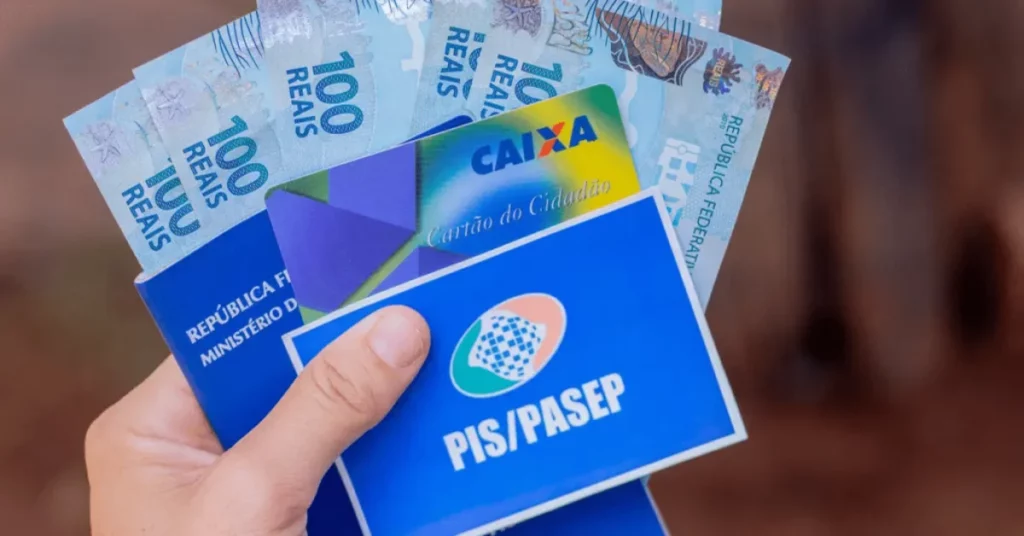
The Social Integration Program (PIS) was created to help private sector workers through the financing of unemployment insurance and salary bonuses. It represents a fund that contributes to the development of companies.
The Public Servant Asset Formation Program (PASEP) serves a similar purpose, but is aimed at public employees. Like PIS, PASEP is a source of funds for the payment of benefits such as salary bonuses.
The Worker Identification Number (NIT) is like the PIS or Pasep, but assigned to those who do not have a work record, such as self-employed workers or rural workers. This number is essential for the INSS to be able to manage contributions and guarantee the social security rights of these categories.
Are PIS and NIS the same thing?
Many people get confused when they hear about PIS and NIS. PIS is the number that you, a private company worker, receive when you are registered in this integration program..
The NIS is assigned to people who will receive social benefits from the government, without an employment relationship, such as Bolsa Família. Simply put, the function is similar, but their use changes depending on your work situation..
How do I know if I am entitled to PIS?
There are certain criteria set by the government that determine who is eligible to receive this benefit. It is important to keep an eye on these requirements to ensure that you do not miss out on receiving your salary bonus.
Here are the requirements you must meet to be eligible for PIS:
- Service Time: You must have worked with a signed employment contract for at least 30 days in the base year for calculating PIS. This base year is defined annually by the government;
- PIS Registration: You must have been registered with PIS for at least five years. This means that your PIS/PASEP number must have been assigned at least five years before you could potentially receive the salary bonus.
- Income Limit: Your average salary in the previous year cannot be more than two minimum wages.
- Correct Information: Information about your work must have been correctly reported by the employer in the Annual Social Information Report (RAIS) or eSocial, as applicable.
Pay special attention to the details of RAIS and eSocial – your employer must send your data correctly, so that you do not have problems when checking the PIS by CPF and when receiving the benefit.
If you have any questions or want to know more, you can consult the INSS or even access the government website for further information about your right to PIS.
How to check PIS using CPF?
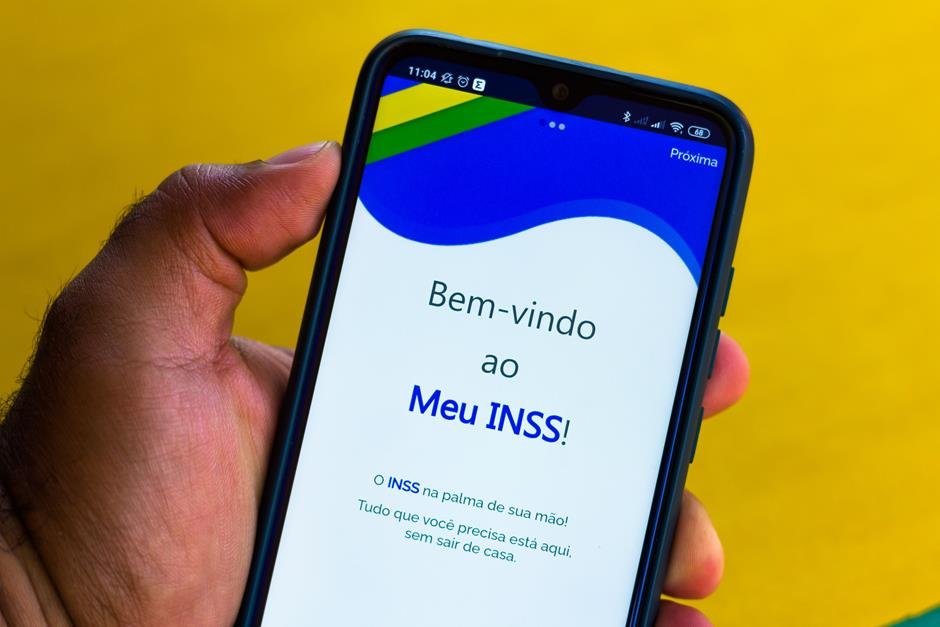
Checking your PIS number using your CPF has become an accessible task and you can do it in several ways. One option is the website or the app. My INSS, where you can register or log in if you are already registered.
Other options include the Caixa Econômica Federal or Social Security telephone number, as well as the website. National Social Information Registry (CNIS).
See the step-by-step guide to checking your PIS using your CPF:
- My INSS: Visit the website My INSS, log in or register by entering your CPF and create a password. After logging in, look for the social security statement option (CNIS) and there you will find the PIS number;
- Telephone: If you prefer, you can call Caixa Econômica Federal at 0800-726-0207 or to the INSS center through the number 135, which is open 24 hours a day. Enter your CPF and follow the customer service instructions to obtain your PIS number;
- CNIS: Visit the website CNIS in which you need to register if this is your first time accessing the site. After entering your CPF and password, you will be able to check your PIS number and other information about your registration.
With your PIS number in hand, it is easier to stay up to date with issues related to your formal employment and access information about benefits such as salary bonuses and unemployment insurance. Don't forget to keep your data up to date to ensure that the PIS query using your CPF goes smoothly.
How do I check my PIS number using the Caixa Trabalhador app?
Checking your PIS number using the Caixa Trabalhador app is a quick and simple process. We have put together a step-by-step guide to make the search even easier. Just follow the instructions:
- Download the Caixa Trabalhador app from the Play Store or Apple Store;
- Open the app and log in. If you don't have an account, you will need to register by providing some personal information;
- After logging in, in the main menu, select the option “Salary Bonus” or “Consult PIS”.
Done, after that your PIS number will be displayed along with other relevant information about your employment benefits.
How to issue the PIS receipt?
There are some methods you can use to issue your PIS receipt, they are:
From the Caixa Econômica Federal website
- Visit the website of Federal Savings Bank;
- In the main menu, click on “Benefits and Programs” and then on “PIS”;
- Select “Payment Query” or “Query PIS”;
- Log in with your CPF, NIS or email and registered password. If you are not registered, you will need to create an account;
- After logging in, you will be able to view and print your PIS receipt.}
Worker Cashier App
Download and install the Caixa Trabalhador application;
Access the app and log in with your CPF and password. If you don't have an account, you will need to create a registration;
In the main menu, select “Abono Salarial” or “Consultar PIS”;
View your PIS number and other information.
Conclusion
As we have seen, There are several ways to check your PIS number using your CPF, whether through the Meu INSS Portal, by phone, the Caixa Trabalhador app or even on the CNIS website. This facility allows you to always have the necessary information at hand to exercise your labor rights.
Remember that keeping your personal data, such as CPF and date of birth, up to date is essential. Whether it's to find out your PIS number or whether you'll have access to the salary bonus, being informed about these digital channels makes you better prepared to act quickly and efficiently.
If you have any questions, remember that the support services mentioned above are available to help you, including Caixa's 24-hour telephone number. Take good care of your data and use the resources available to you wisely to check your PIS using your CPF.