Want to know how to play Roblox on your mobile phone? The Roblox platform has become a worldwide success, known for the chance to create and enjoy 3D games. A favorite among children and teenagers, Roblox allows you to have fun anytime, anywhere, using only your mobile phone.
You can explore this virtual world through a variety of mobile devices. That's right, fun is guaranteed on any device you choose, whether it's a smartphone or a tablet.
If you love games and want the chance to create your own, you'll love Roblox. Keep reading to learn more about the game and discover how this universe can be in the palm of your hand.
What is Roblox?
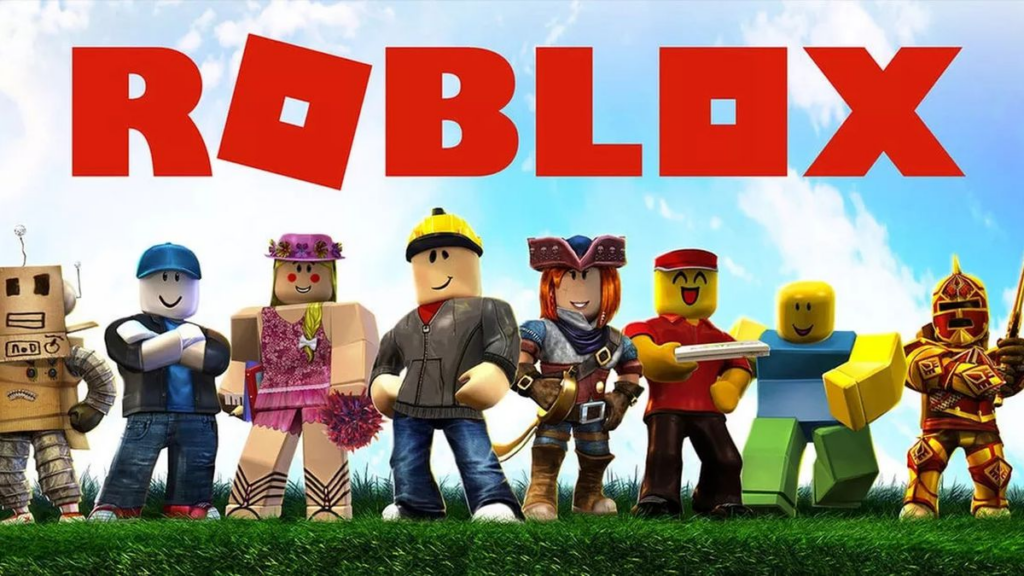
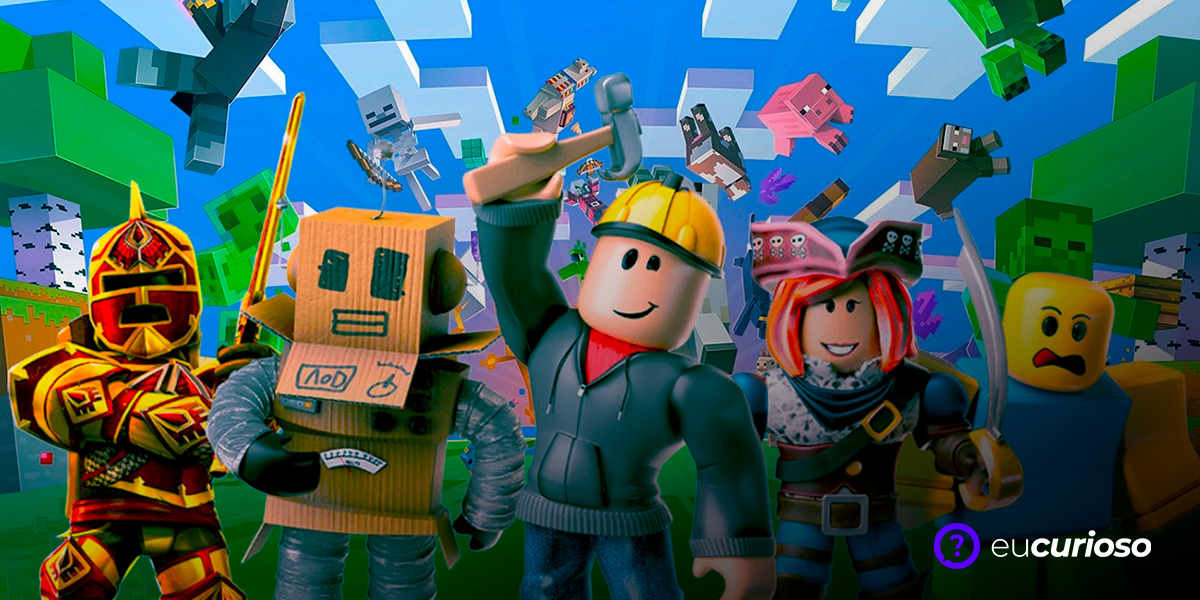
Roblox is a platform for 3D games that lets you explore your imagination, whether playing on other people's creations or creating your own adventures. This game is a real phenomenon among younger audiences..
Imagine that more than half of the 120 million monthly active users are children and teenagers! This shows how accessible the platform is and can be used by anyone, regardless of age.
Did you know that you can also earn extra income on Roblox? Well, yes! Through Robux, the game's currency, you have the chance to profit from your creations, as well as purchase exclusive items or special subscriptions. All of this makes Roblox more than just a pastime; for some, it's a business opportunity.
Minimum requirements to play Roblox on mobile
It's not possible to have this adventure and play Roblox on your phone if your phone doesn't meet the minimum requirements, right? Roblox requires certain specifications to function properly and provide the best experience possible.
For Apple iOS users, your device must be at least an iPad 2 or later, iPhone 4s or later, or a 5th-generation iPod touch. The operating system must be iOS 8 or later.
For Android users, devices must be running Android 4.4 or later. Regardless of your operating system, an internet connection of at least 4 Mb/s is recommended.
And if you have access to a robust Wi-Fi network, with 8 Mb/s speed, even better, as this contributes to a smoother, lag-free experience!
How to download Roblox on Android phone
The game's installation process is super simple and quick, as it's available on the Google Play Store and can be installed in just a few steps. Let's get started!
First, check that your Android device has enough storage and is connected to the internet—preferably Wi-Fi to save mobile data. Once verified, follow the steps below:
Steps to download and install Roblox:
- Open the Google Play Store on your Android phone;
- In the search bar, type “Roblox” and tap search;
- Locate the official Roblox Corporation app.
- Tap “Install” and wait for the download to complete;
- After installation, open the app and log in with your username and password or create a new account to play.
Now just have fun creating, exploring and enjoying a multitude of games!
Roblox link on Google Play Store
How to download Roblox on iPhone (iOS)
Want to have the fun in the palm of your hand? Downloading Roblox from the Apple Store is simple and straightforward. But first, make sure you have enough space on your iOS device and are connected to a Wi-Fi network for faster downloads.
Steps to download Roblox:
- Access the App Store on your iPhone or iPad;
- Use the search bar and type “Roblox”, then just search;
- Find the official Roblox Corporation app;
- Tap "Get" to begin downloading. If necessary, verify your identity with Touch ID, Face ID, or a passcode.
- Wait for the download and installation to complete, then open the app.
With the app on your cell phone, you have the most important thing to start the adventureNow you need to create your account or log in with your username and password, and that's it! You're ready to explore all the games Roblox has to offer.
And always remember to update the app so that everything works properly and you can enjoy all the new features that Roblox has to offer!
Main commands on your cell phone
When you start the game, you'll encounter simple commands that make the experience dynamic and fun. I'll show you the basic commands so you can navigate the game without any hassle.
- Virtual circle in the left corner of the screen: use to move the character forward, backward and sideways.
- Swipes (slide your finger on the screen): make finger movements to change the direction of the camera.
- On-screen buttons: Specific buttons will appear to perform actions such as jumping, talking in chat or interacting with items.
Now that you know how to control your character and move around the game, you're ready to explore every corner of Roblox on your phone.
How to start playing and customize your avatar
Before you actually start playing, you'll need to create an account if you don't already have one. This will ensure your achievements and creations are saved. After that, you'll have reached best part: the customization.
Check out the steps to create an account and customize your avatar:
- Open the Roblox app on your phone and select “Sign Up” to create a new account;
- Fill in your date of birth, desired username, password and select your gender.
Once you're logged in, customize your character. In the Roblox main menu, you'll find the "Avatar" option—tap it and start exploring the options. You can choose clothes, accessories, hairstyles, and more.
- In the “Avatar” section, select the parts to change your character’s appearance;
- Once you're done customizing, tap "Play" to access games and start having fun with your new look.
That's it! Your avatar now has your own style, and you can search for games through the main menu or search.
Conclusion
Did you enjoy learning more about how to play Roblox on your phone? This fantastic game creation platform shows that it's possible to have fun in the palm of your hands. ensuring you can express your creativity and go on various adventures wherever you are.
And it doesn't stop there. If you don't want to install the app, you can still play in your browser using the service. Now.ggThis makes it even easier to enjoy everything Roblox has to offer, without worrying about space or downloads.
To make the experience even more fun, how about starting by exploring some super popular games on the platform? "Adopt Me!", "Jailbreak," and "MeepCity" are some examples of places to start. Now it's up to you: create your avatar, choose your favorite game, and have fun!