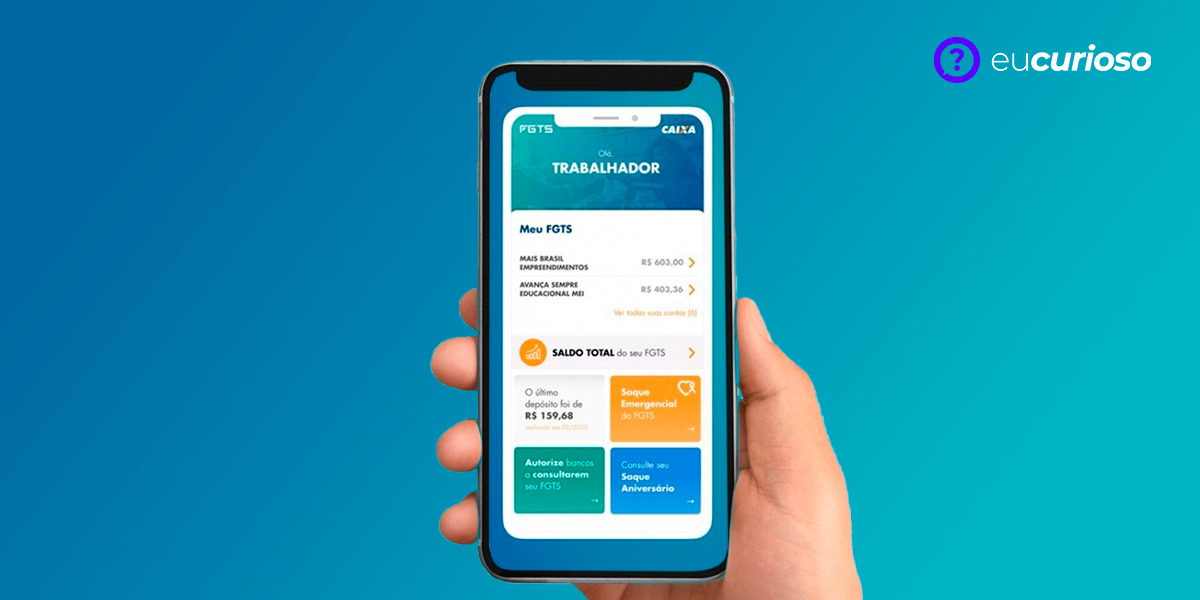
Using the FGTS app has several advantages for those who need to deal with the Guarantee Fund. The biggest one is practicality, since you can access your information and make transactions from anywhere, as long as you have a cell phone with internet.
Furthermore, the FGTS app is completely secure, especially since it is an official app. This means that your data will be protected against fraud, ensuring greater peace of mind when withdrawing your FGTS online.
Through the app, you can resolve everything quickly and easily, so if you are looking for practicality and efficiency, continue reading to learn how to withdraw your FGTS through the app safely.
What is FGTS?
The Severance Pay Guarantee Fund (FGTS) is a right guaranteed to workers in Brazil, created to protect those who are unfairly dismissed. In this scenario, every month, the employer deposits an amount into the worker's FGTS account.
You can use this fund in a variety of situations, such as to buy your own home, for retirement or in cases of serious illness. In other words, the FGTS serves as a very useful financial reserve for workers in times of need.
Understanding what the Guarantee Fund is is important to know how to take advantage of this resource. In fact, knowing how to withdraw FGTS through the app is one of the most practical ways to access this money when you need it.
How to download and install the FGTS app?
To download the FGTS app, you must first access your cell phone's app store; the path varies depending on the system you use. If it's Android, you must go to Google Play Store, while those who have an iPhone need to open the App Store.
In the search bar, type “FGTS app”. In the list of results, find the official app and tap the download button; at this point, just wait for the download and installation to finish.
Once downloaded, open the app and follow the on-screen instructions to set it up. You will need to provide some information to complete the installation and be able to use all the features of the FGTS app.
FGTS App Features
The FGTS app has several features that make your life easier. Using the app, you can perform several operations quickly and safely. Here are some of the main functions you will find in the app:
- Balance inquiry.
- Updating registration data.
- Withdrawal request.
These functions make the FGTS application a super useful tool for those looking for practicality and efficiency in managing their Guarantee Fund.
Step by step guide on how to withdraw FGTS using the app
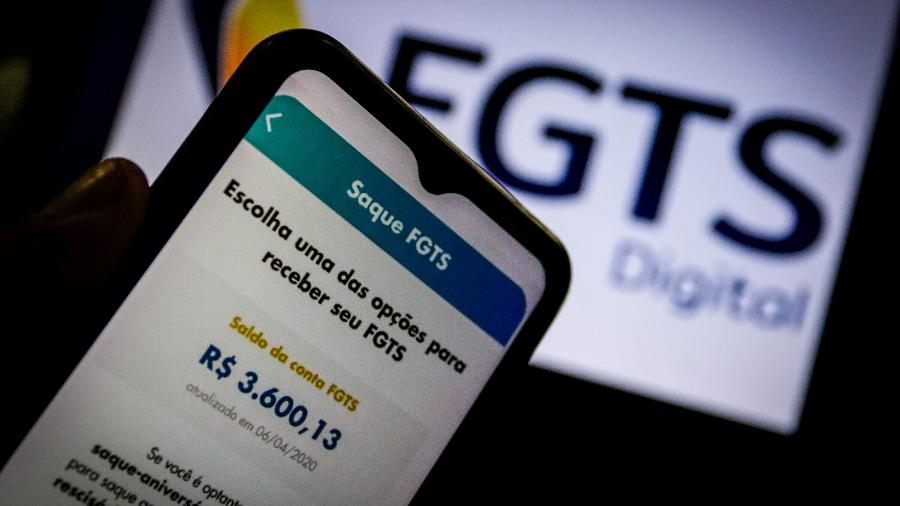
Withdrawing your FGTS funds through the app is very easy. I have prepared a guide to help you do this quickly and safely.
- Login to the app: First, open the FGTS app and log in with your CPF and password. If you don't have an account yet, you can create one right away.
- Balance inquiry: check the balance available in your FGTS account, this is important for you to know how much you can withdraw.
- Withdrawal request: in the main menu, choose the withdrawal option and follow the instructions. You will need to provide the reason for the withdrawal and the account for the deposit.
- Sending documents: If necessary, send the documents requested by the application to complete the request.
- Request confirmation: check all information and confirm the withdrawal request, you will receive a notification that the request has been sent.
Done! With this step-by-step guide, you can easily withdraw your FGTS through the app quickly and without complications.
Documentation required for withdrawal from FGTS
In order to withdraw your FGTS funds through the app, it is essential to have some documents on hand, which will help make the process faster and smoother. Let's see which are the main documents you will need.
- Identification document: can be your ID or driver's license.
- CPF;
- Proof of residence: updated, preferably within the last three months.
- Work permit: to prove the employment relationship.
- Birth or marriage certificate: if necessary for the withdrawal situation.
Having these documents on hand makes it much easier when requesting a FGTS withdrawal. This way, you avoid delays in the process and ensure that everything happens as smoothly as possible.
Deadline and methods of receiving the amount
After you request a withdrawal of your FGTS funds through the app, it is important to understand how long it will take for the money to be available. Generally, the time frame for receiving the funds is up to five business days after the request is confirmed.
You have the option to choose the bank account where you want to receive the amount. In this sense, the application allows you to enter the account details for the deposit, whether it is a checking or savings account, in any bank you use.
It is worth remembering that monitoring the status of your request through the app is very simple. You can check whether the money has already been deposited into your chosen bank account. This makes it easier and faster to access your FGTS money.
In-person withdrawal alternatives
If you prefer, you can withdraw your FGTS funds in person. There are several ways to do this, which may be more practical depending on your situation. Check out some of these options.
- Lottery shops: at lottery outlets, you can withdraw up to a certain amount, just bring your identification document and Citizen Card.
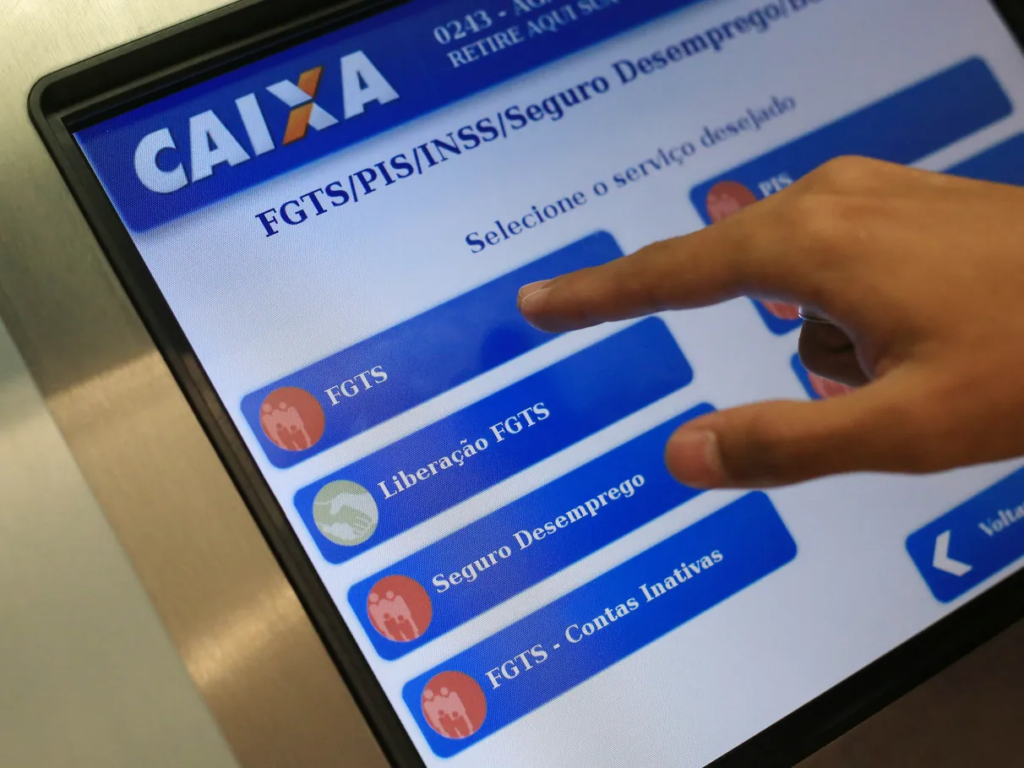
- ATMs: at Caixa Econômica Federal ATMs, you can also withdraw your FGTS, requiring your Citizen Card and password.
- Caixa branches: you can go to a branch of Federal Savings Bank with your personal documents and be assisted by a bank employee.
These in-person FGTS withdrawal methods offer different ways to access your money. Choose the one that best suits your needs and enjoy the convenience of having multiple options.
Conclusion
Using the app to withdraw FGTS brings with it many advantages, one of the main ones being the convenience of doing everything via cell phone, without having to leave home, making life easier for workers, who can access their money quickly and safely.
Furthermore, the application's security is a strong point, as it is official and uses technology that protects your data, preventing fraud and ensuring that the money goes to the correct account.
Not to mention the speed of the process, as with just a few clicks you can make a withdrawal request and track everything on your cell phone, staying updated in real time. This technology makes the worker's life easier, making everything simpler and more efficient.